9 Home Office Upgrades That Are Actually Worth the Money
A practical, no-fluff guide to the home office upgrades that genuinely improve your workday — and the ones you can safely skip.
By PeekBuys Editorial · May 20, 2026 · 3 min read
Most "home office upgrade" lists are really just product ads dressed up as advice. This one is different: every pick below earns its place because it solves a real, recurring annoyance — not because it looks good on a desk.
We've grouped upgrades by the problem they fix, so you can spend on what your setup actually needs and ignore the rest.
Fix your workflow before you fix your gear
A faster computer won't help if you lose ten minutes a day hunting for documents. Before buying anything, spend a week noticing what actually slows you down. The most common culprits are clutter, bad audio on calls, and printing costs that quietly add up.
The upgrades below map directly onto those pain points.
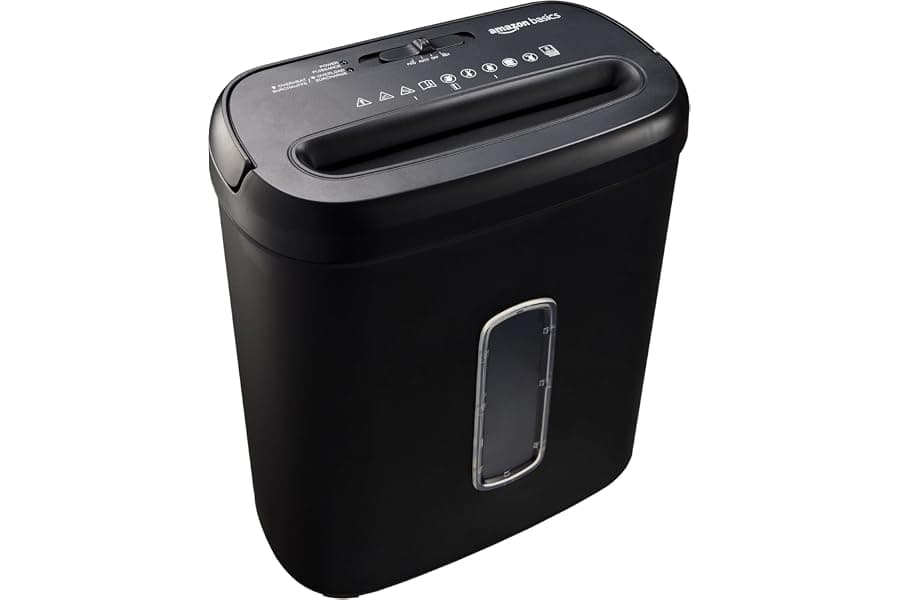
1. A reliable cross-cut shredder
If you handle any paperwork — tax documents, bank statements, client contracts — a shredder is the cheapest security upgrade you can make. Cross-cut models turn a page into confetti, not strips, which makes reconstruction effectively impossible.
Look for a continuous run time of at least 5 minutes and a bin you won't have to empty daily. Strip-cut shredders are cheaper, but the security gap isn't worth the savings.
2. An adjustable stand for video and presentations
Whether you run a projector, a webcam, or your phone as a second camera, a height-adjustable tripod stand removes a surprising amount of friction. No more stacking books to get the right angle.
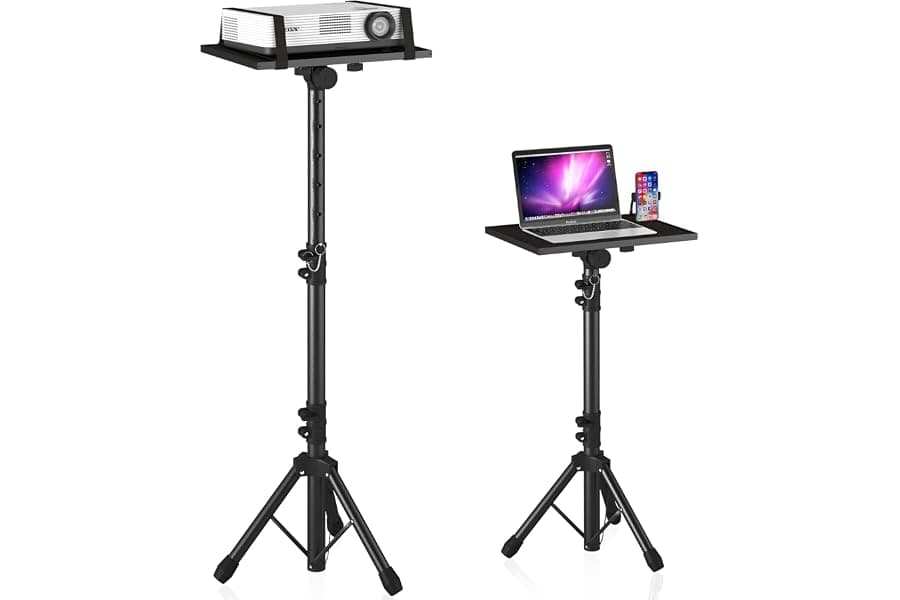
This is the kind of upgrade you don't appreciate until you have it — then you wonder how you managed without it.
3. Clear audio for calls and teaching
If people regularly ask you to repeat yourself on calls, fix it. A portable voice amplifier is built for teachers and presenters, but it's just as useful for anyone running long meetings or recording content in a room with poor acoustics.
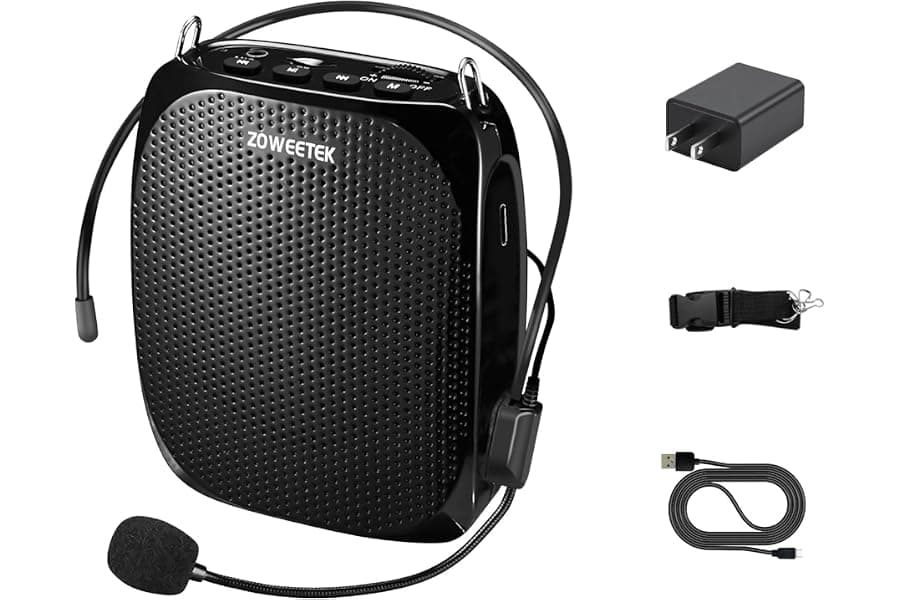
Clear audio does more for how professional you sound than any camera upgrade.
4. Stop overpaying for printer ink
Printer ink is one of the most expensive liquids you can buy by volume. Switching to a high-yield cartridge cuts your cost per page dramatically if you print more than a few times a week.
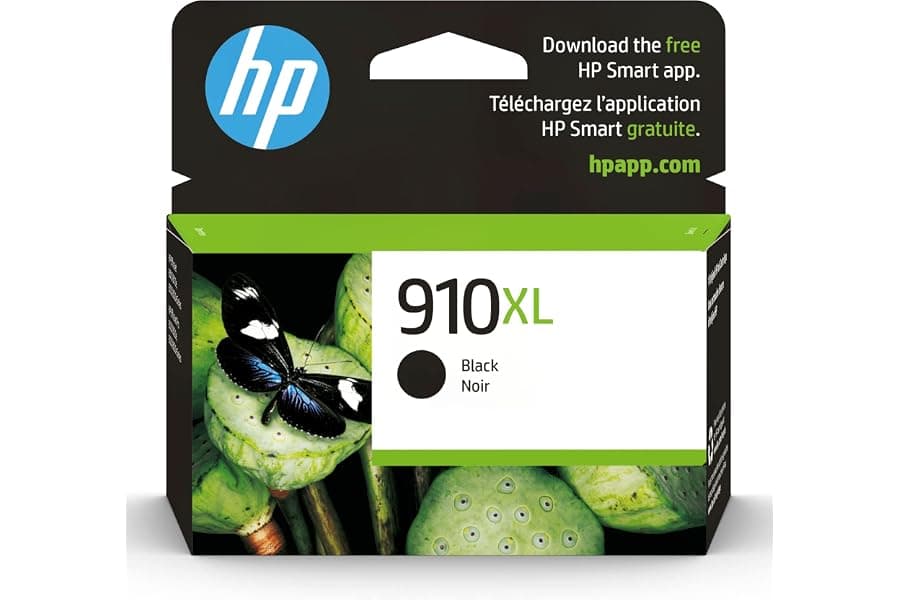
Check your printer model's compatibility list first, then buy the highest-yield cartridge it supports.
5-9. The upgrades that round out a setup
The remaining upgrades are smaller but compound nicely: a monitor at eye level to protect your neck, a mechanical keyboard if you type all day, warm bias lighting to reduce eye strain, a cable tray to kill desk clutter, and a genuinely comfortable chair — the one upgrade it's never worth going cheap on.
None of these are glamorous. All of them remove daily friction, which is the entire point.
How to prioritize on a budget
If you can only buy one thing this month, fix whatever you noticed most during your audit week. For most people that's either the chair (comfort) or audio (how you come across professionally). Everything else can wait for next month's budget.
Frequently Asked Questions
Want more buying guides?
Get our latest product picks and guides delivered to your inbox.
You Might Also Like
Related Reads

Best Animated Halloween Decorations & Animatronics (2026)
The best animated Halloween decorations for 2026, from cheap motion-activated props to $300+ animatronics, plus how to pick triggers, power and weatherproofing.
Oct 1, 2026 · 8 min read

Best Dog Halloween Costumes (2026): Funny, Easy & Safe Picks
The best dog Halloween costumes for 2026: funny, spooky, small and large dog picks, plus a sizing chart and safety tips for a stress-free Halloween night.
Oct 1, 2026 · 9 min read
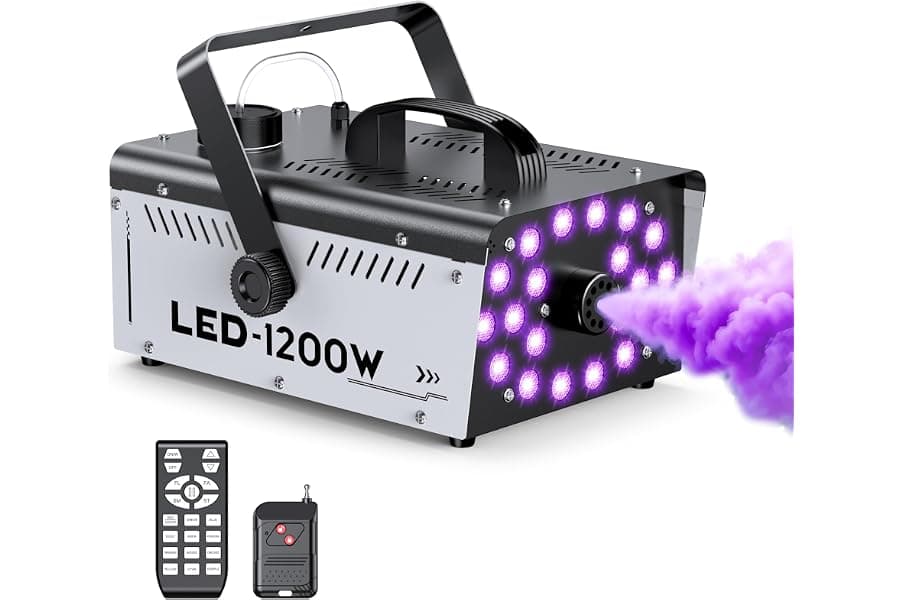
Best Fog Machine for Halloween (2026): Picks, Fog Juice & Tips
How to pick a fog machine for Halloween: wattage vs CFM, heat-up time, timers, fog juice that won't wreck your machine, fog vs haze, and our picks by yard size.
Oct 1, 2026 · 9 min read